

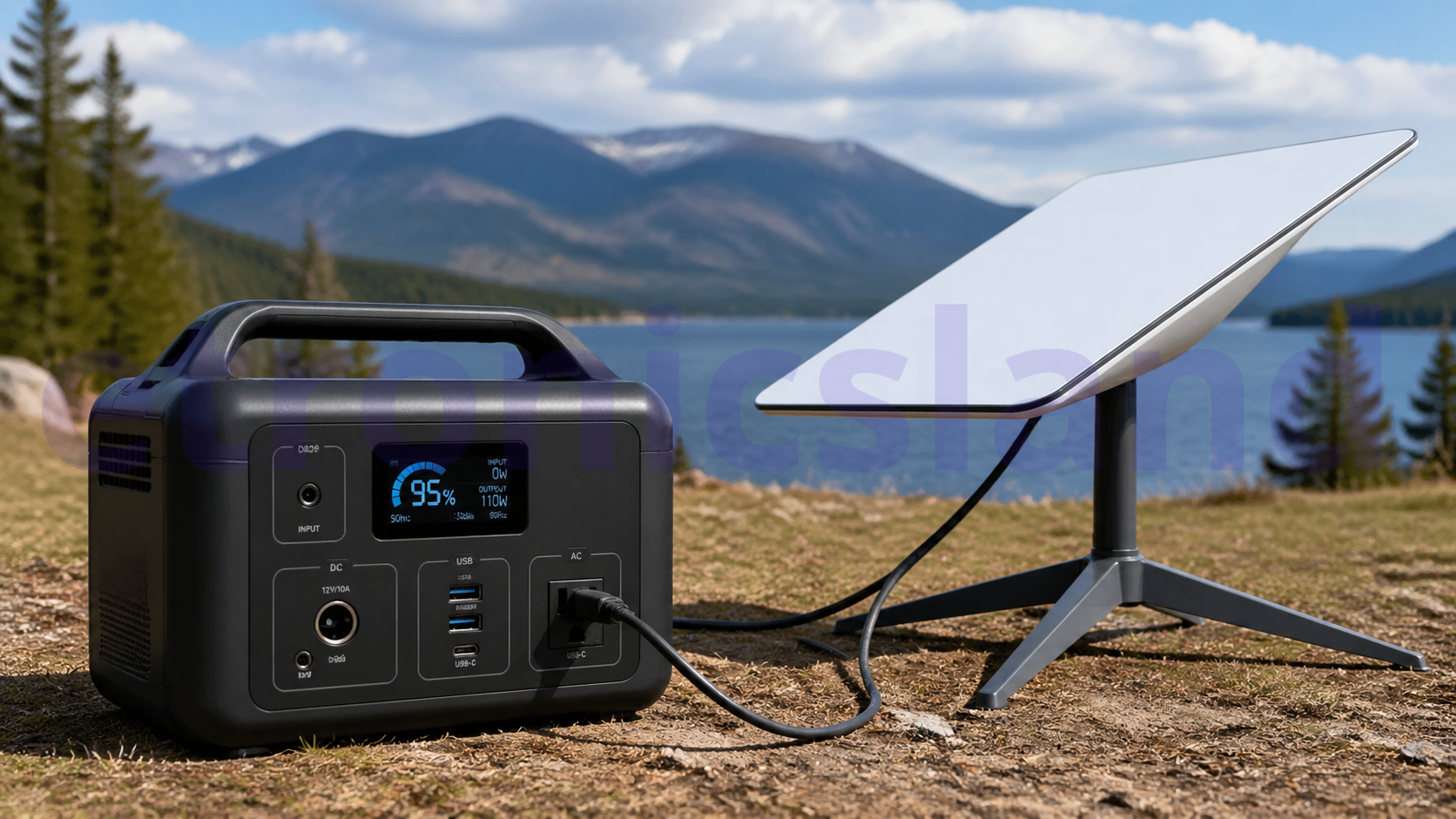
Yes, using a portable power station is a very effective way to run your Starlink, especially for camping, road trips, or as a backup during a power outage. The key is to match the size of your power station to your specific Starlink model and how long you need it to run.
📊 Starlink Power Consumption by Model
First, identify your Starlink model. Power usage varies significantly between them . The table below breaks down the average wattage and estimated daily energy use for each version.
A note on actual power draw: These are average figures. Your Starlink will use more power during startup, heavy rain or snow (when the snow melt feature activates), and when you’re doing data-heavy activities like 4K streaming or large file downloads . For the most reliable off-grid setup, it’s wise to plan for the higher end of these ranges.
🔋 How to Choose the Right Power Station
Once you know your Starlink’s energy needs, you can pick a power station with the right capacity. Capacity is measured in Watt-hours (Wh) or kilowatt-hours (kWh), which tells you how much energy the station can store.
Here’s how to calculate the runtime: (Power Station Capacity in Wh) / (Starlink Wattage) = Estimated Hours of Use.
For example, a 500Wh power station could run a Starlink Mini (using 30W) for about 16-17 hours, but the same station would power a Standard Gen 3 model (using 85W) for only ~6 hours .
Here is a general sizing guide based on your needs :
For the Starlink Mini (Most Energy Efficient)
- Best for: Weekend camping trips or as a short-term backup.
- Recommended Capacity: 200Wh – 500Wh.
- Estimated Runtime: 5-10+ hours.
- Example: A 245Wh station can power a Mini for roughly 8 hours .
For Standard Starlink (Gen 2 or Gen 3)
- Best for: Working remotely for a full day, longer camping trips, or a reliable home backup.
- Recommended Capacity: 500Wh – 1500Wh.
- Estimated Runtime: 6-15+ hours.
- Example: A 1024Wh station can power a Standard dish for over 12 hours of active use .
For High Performance or Extended Use
- Best for: Running the dish all day and night, powering multiple devices, or whole-home backup during outages.
- Recommended Capacity: 1500Wh+.
- Estimated Runtime: 15+ hours to multiple days.
- Example: A 4000Wh station can power a High Performance dish (using 150W) for over 26 hours .
🔌 Two Ways to Connect Your Starlink
There are two main ways to power your Starlink from a portable station. One is very simple, the other is more efficient.
1. The Simple Way (AC Power)
This is the most straightforward method. You simply plug your Starlink’s standard AC power cord into the AC outlet on your portable power station, just like you would at home. The power station’s built-in inverter converts its internal battery power (DC) to the AC power your Starlink expects .
- Pros: No extra parts needed, works with every power station.
- Cons: The DC-to-AC-to-DC conversion process is less efficient, meaning you lose about 10-15% of your battery’s energy as heat.
2. The Efficient Way (DC Power)
This method is favored by off-grid enthusiasts like van-lifers and sailors. It bypasses the power station’s AC inverter entirely by using a DC-to-DC converter (often a “boost converter”) made for Starlink. This converter plugs into your power station’s 12V or 24V “cigarette lighter” or DC output port and provides the specific voltage your Starlink needs (typically 56V) .
- Pros: Much more efficient, saving up to 30% of your battery capacity. This can give you hours of extra runtime .
- Cons: Requires purchasing a separate, model-specific DC converter for your Starlink.
💡 Pro-Tips for a Better Setup
- Get a Pure Sine Wave Inverter: All modern, reputable power stations use a “pure sine wave” inverter. If you are building a custom battery setup, ensure your inverter is pure sine wave, as a “modified sine wave” inverter can damage Starlink’s sensitive electronics .
- Don’t Forget the Router: Your Starlink router itself draws an additional 10-20 watts, which adds up to another 240-480Wh over a full day. Make sure to include this in your total power calculation .
- Consider Solar for Long Trips: If you plan to be off-grid for more than a day or two, pair your power station with a portable solar panel. This allows you to recharge your station daily, effectively letting you run your Starlink indefinitely .
Hopefully, this helps you pick the right setup for your needs. What Starlink model are you planning to use? Knowing that could help narrow down the specific power station capacity for your situation.